Displaying Latest Posts in the WordPress Dashboard
To work with console (Dashboard) have your own API but we will talk about it in the section for plugin development, and now let's look at a code snippet for displaying the latest posts in the console. On my test site in the template folder, to file functions.php add code:
function wps_recent_posts_dw() {
?>
   <ol>
     <?php
          global $post;
          $args = array( 'numberposts' => 5 );
          $myposts = get_posts( $args );
                foreach( $myposts as $post ) :  setup_postdata($post); ?>
                    <li> (<? the_date('Y / n / d'); ?>) <a href="<?php the_permalink(); ?>"><?php the_title(); ?></a></li>
          <?php endforeach; ?>
   </ol>
<?php
}
function add_wps_recent_posts_dw() {
       wp_add_dashboard_widget( 'wps_recent_posts_dw', __( 'Recent Posts' ), 'wps_recent_posts_dw' );
}
add_action('wp_dashboard_setup', 'add_wps_recent_posts_dw' );
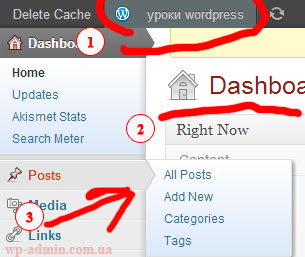
After pasting the code, go to console (Dashboard) and if done right, then in a separate block you will have displayed the last five articles published on the site.


Online tutoring services. List of courses I teach
*/- Basic web design course;
- Site layout;
- General course on CMS WordPress and continuation of the course on template development;
- Website development in PHP.