Adding a Taxonomy in WordPress - Tutorial 26
We continue to develop a portfolio in the template and in this lesson I will talk about how to set up categories for your work. For custom types, categories can be done using the register_taxonomy taxonomy customization function().
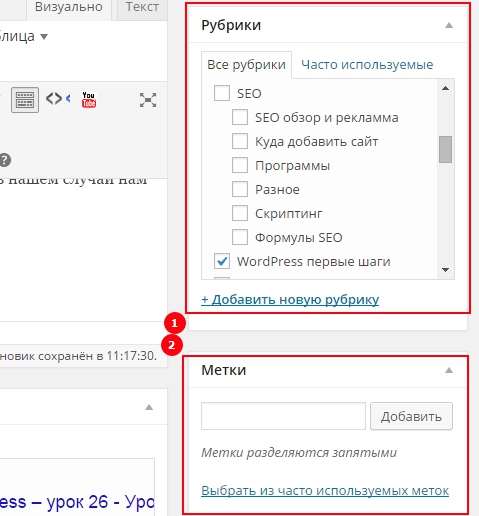
Taxonomy can be displayed as categories and as tags, in our case, we will need categories under the number [1].
Let me add the code and tell you how in the previous lesson, what needs to be done.
// Register Custom Taxonomy
function category_portfolio() {

	$labels = array(
		'name'                       => _x( 'Categories', 'Taxonomy General Name', 'category_portfolio' ),
		'singular_name'              => _x( 'category', 'Taxonomy Singular Name', 'category_portfolio' ),
		'menu_name'                  => __( 'Category', 'category_portfolio' ),
		'all_items'                  => __( 'All category', 'category_portfolio' ),
		'parent_item'                => __( 'Parent category', 'category_portfolio' ),
		'parent_item_colon'          => __( 'Parent category:', 'category_portfolio' ),
		'new_item_name'              => __( 'New category name', 'category_portfolio' ),
		'add_new_item'               => __( 'Add New category', 'category_portfolio' ),
		'edit_item'                  => __( 'Edit category', 'category_portfolio' ),
		'update_item'                => __( 'Update category', 'category_portfolio' ),
		'separate_items_with_commas' => __( 'Separate category with commas', 'category_portfolio' ),
		'search_items'               => __( 'Search category', 'category_portfolio' ),
		'add_or_remove_items'        => __( 'Add or remove category', 'category_portfolio' ),
		'choose_from_most_used'      => __( 'Choose from the most used categorys', 'category_portfolio' ),
		'not_found'                  => __( 'Not Found category', 'category_portfolio' ),
	);
	$rewrite = array(
		'slug'                       => 'portfolio-work',
		'with_front'                 => true,
		'hierarchical'               => false,
	);
	$args = array(
		'labels'                     => $labels,
		'hierarchical'               => true,
		'public'                     => true,
		'show_ui'                    => true,
		'show_admin_column'          => true,
		'show_in_nav_menus'          => true,
		'show_tagcloud'              => true,
		'query_var'                  => 'category',
		'rewrite'                    => $rewrite,
	);
	register_taxonomy( 'category_portfolio', array( 'my_works' ), $args );

}

// Hook into the 'init' action
add_action( 'init', 'category_portfolio', 0 );
Let's write all the arguments of the function
Many attributes are similar to data type attributes.
name – taxonomy name, usually plural.
singular_name – taxonomy name, usually alone.
menu_name – menu item name.
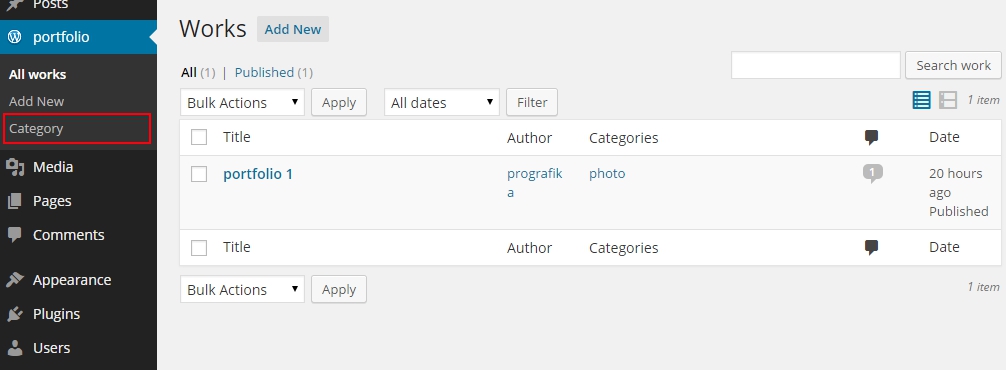
all_items – text to describe all categories of a given type.
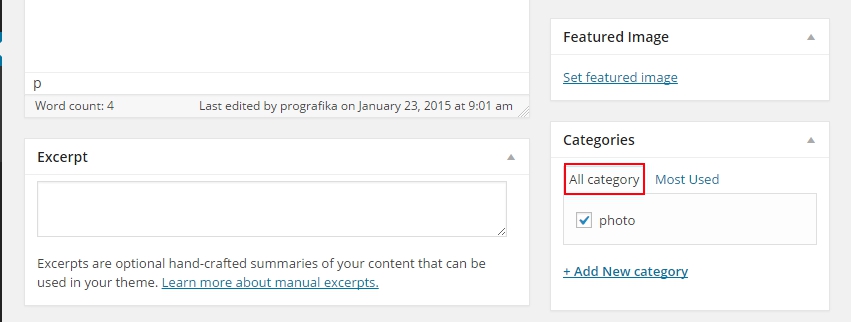
parent_item – parent category text.
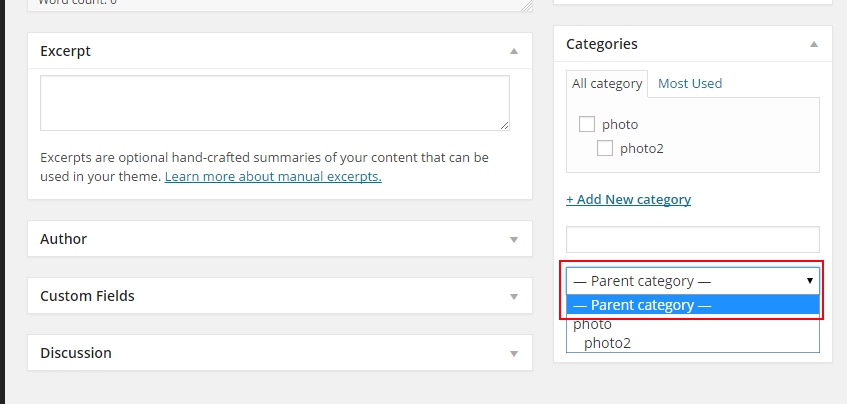
parent_item_colon – parent category text.
new_item_name – text for the new category.
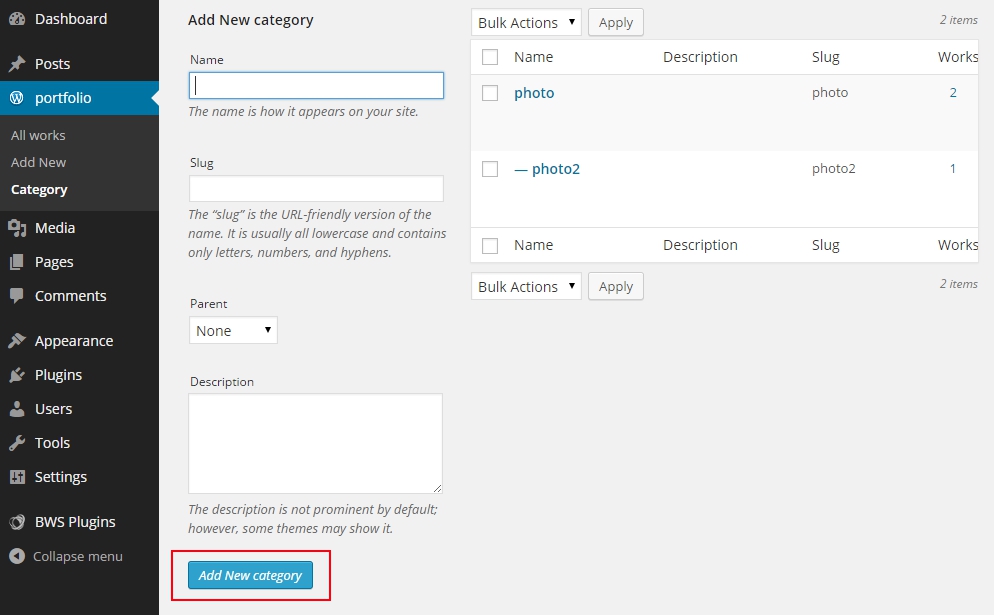
add_new_item – text to add a new category.
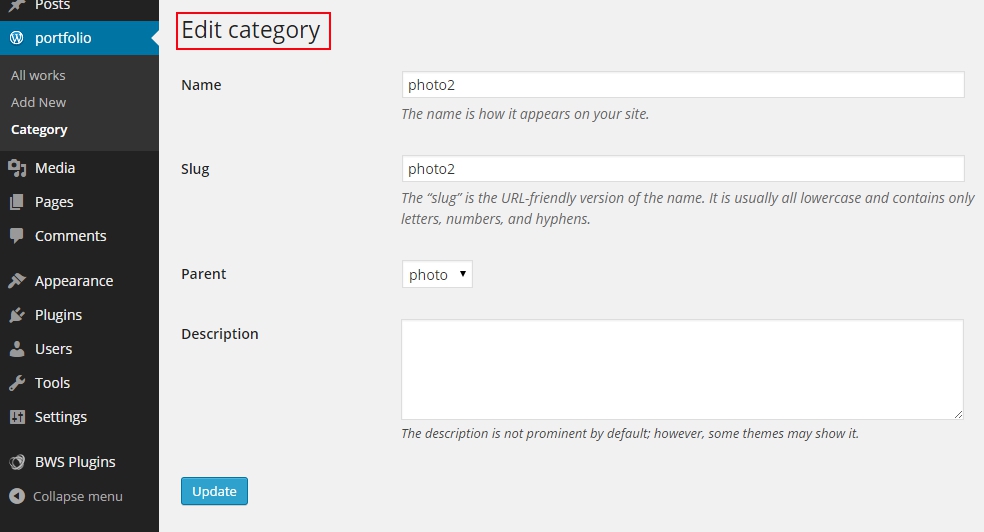
edit_item – category edit text.
update_item – text to update category.
separate_items_with_commas – text describing, that elements must be separated by commas, this doesn't work for tree type taxonomy.
search_items – category search text.
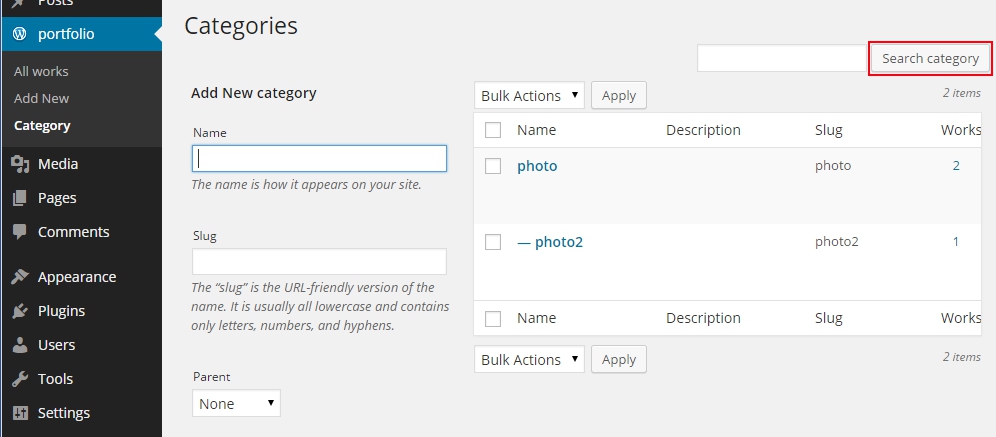
add_or_remove_items – text for “removing or adding an element”, with javascript disabled. Not valid for tree taxonomies.
choose_from_most_used – text “choose from frequently used”. Not used for tree taxonomies.
not_found – text appears, if there are no categories.
slug – label for link (portfolio-work).
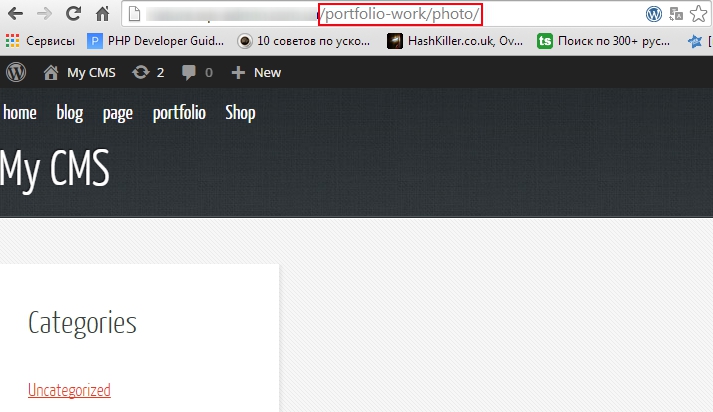
with_front – allows you to set a prefix for the permalink, true by default;
hierarchical – true or false enable tree URLs. If necessary, we will disassemble, as long as you take it on faith.
public – whether to show this taxonomy in the admin panel.
show_ui – show the control block for this taxonomy in the admin panel.
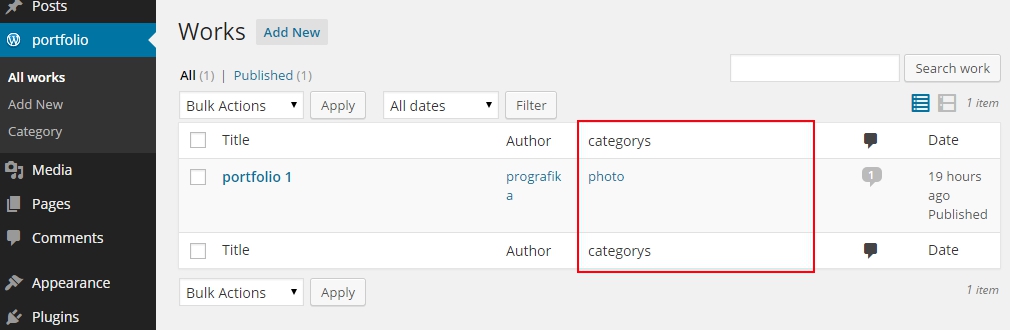
show_admin_column – specify whether or not to add a column to records with taxonomy data.
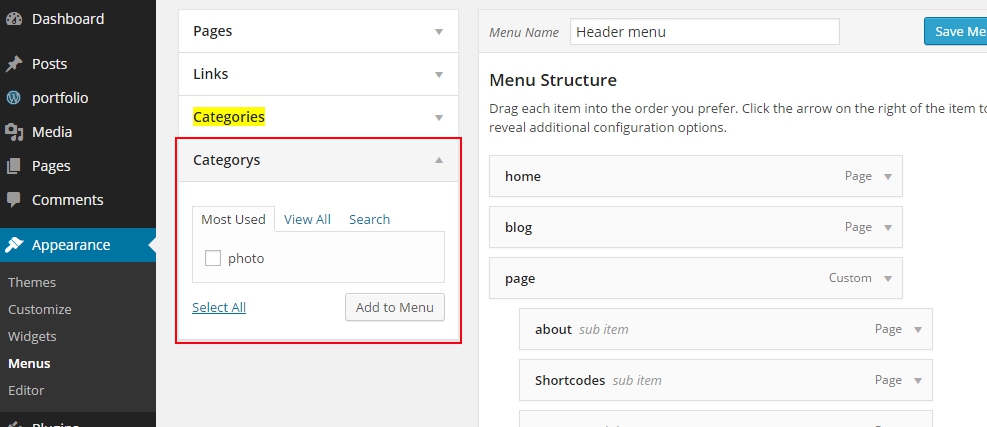
show_in_nav_menus – true will allow you to select items from this taxonomy in the navigation menu.
show_tagcloud – show taxonomies in tag cloud widget.
In the next lessons we will learn remove work from portfolio in the form of a lattice, but we will also do this manually and without plugins.


- Basic web design course;
- Site layout;
- General course on CMS WordPress and continuation of the course on template development;
- Website development in PHP.